

DraftSight Professional
An advanced solution for 2D drafting in CAD with powerful, time-saving features and an API that helps bring your projects to life quickly and easily. Perfect for companies, individuals, and designers.
Professional 2D/3D CAD solution for DWG drawings, design, editing, and collaboration on documentation.

DraftSight® provides an intuitive 2D drafting and 3D design interface for architects, engineers, construction service providers, CAD professionals, designers, manufacturers, educators, and hobbyists. DraftSight allows you to create, edit, view, and mark up any DWG file. It offers a familiar user interface that makes it easy to quickly transition from comparable CAD applications.
DraftSight 2019 is a versatile 2D and 3D CAD solution for architects, engineers, and construction professionals, as well as CAD enthusiasts, designers, educators, and hobbyists.
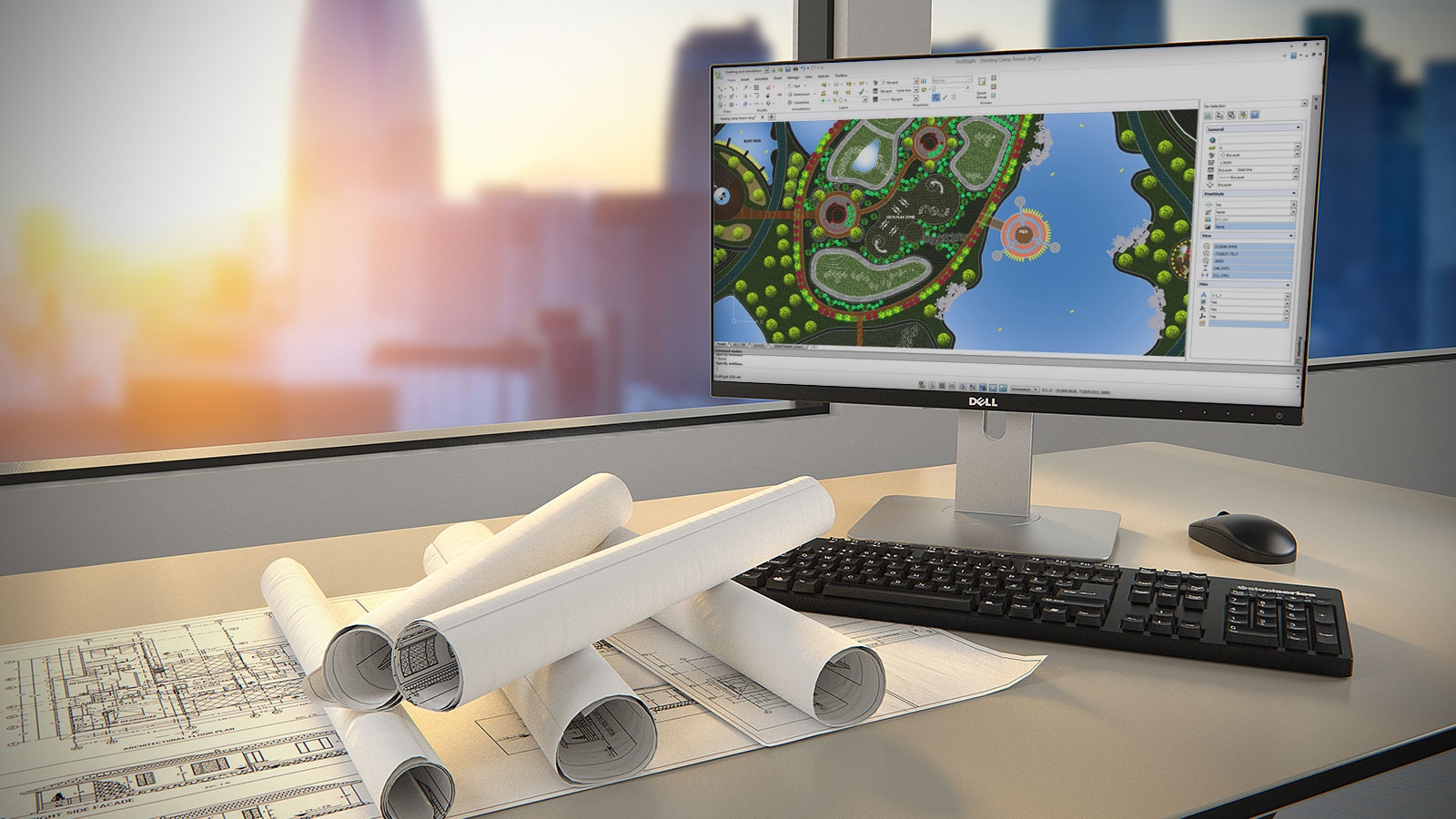
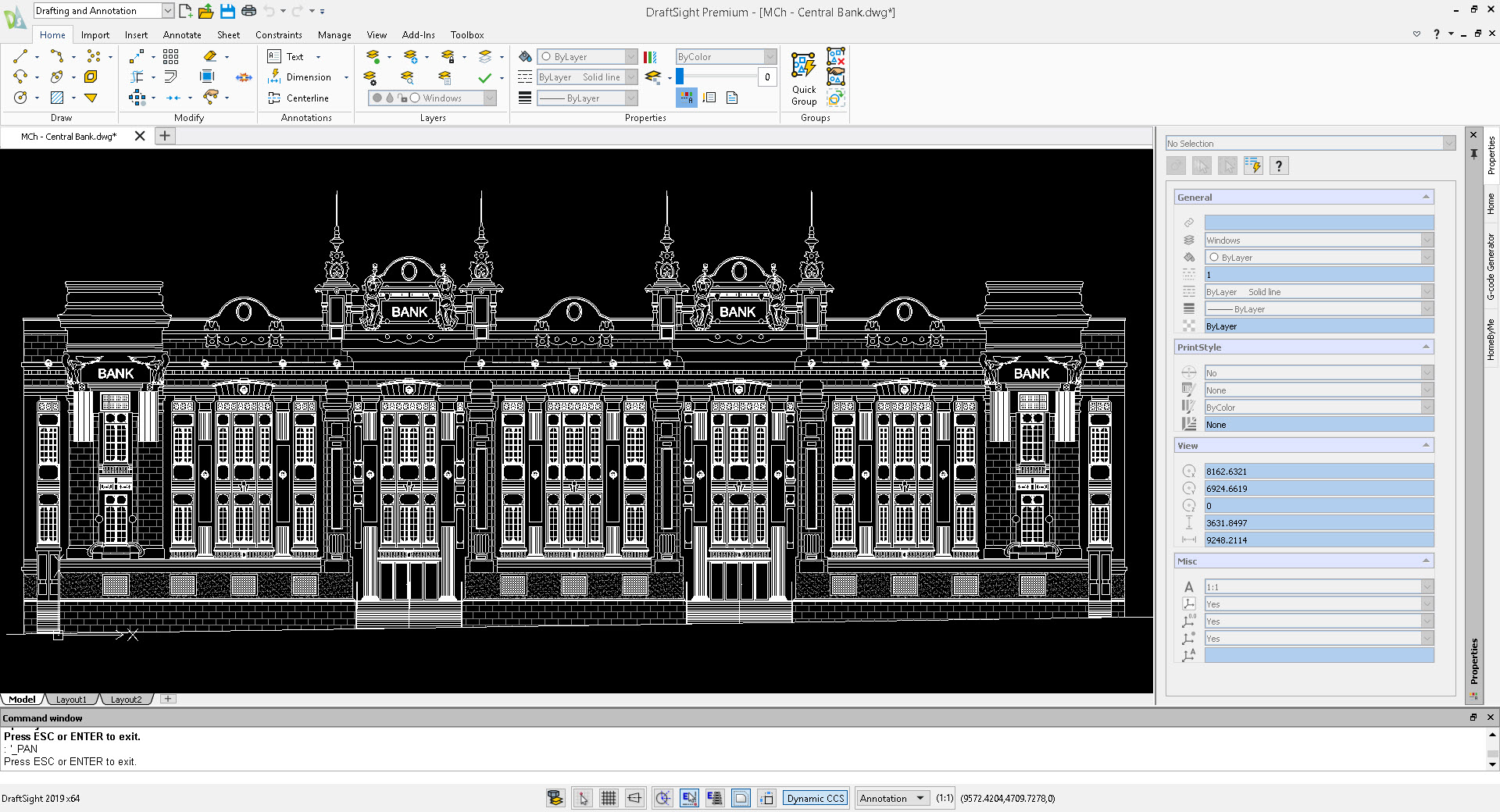
DraftSight 2019 is a major, proven, and powerful software update that includes the most requested features and functionality. DraftSight lets you create, edit, view, and mark up any 2D and 3D DWG files with greater ease, speed, and efficiency. Its familiar user interface makes it easy to transition quickly from your current CAD application.
True design freedom lets you work the way you want. It's the ability to easily move from 2D drafting to 3D modeling and back again to optimize and maximize your designs. And the ability to fully integrate with other Dassault Systèmes and SOLIDWORKS® solutions, including SOLIDWORKS PDM, for easy management of DWG file projects from initial inspiration to final result.
DraftSight 2019 gives you the freedom to do what you do best, no matter who you are or what you're trying to achieve.
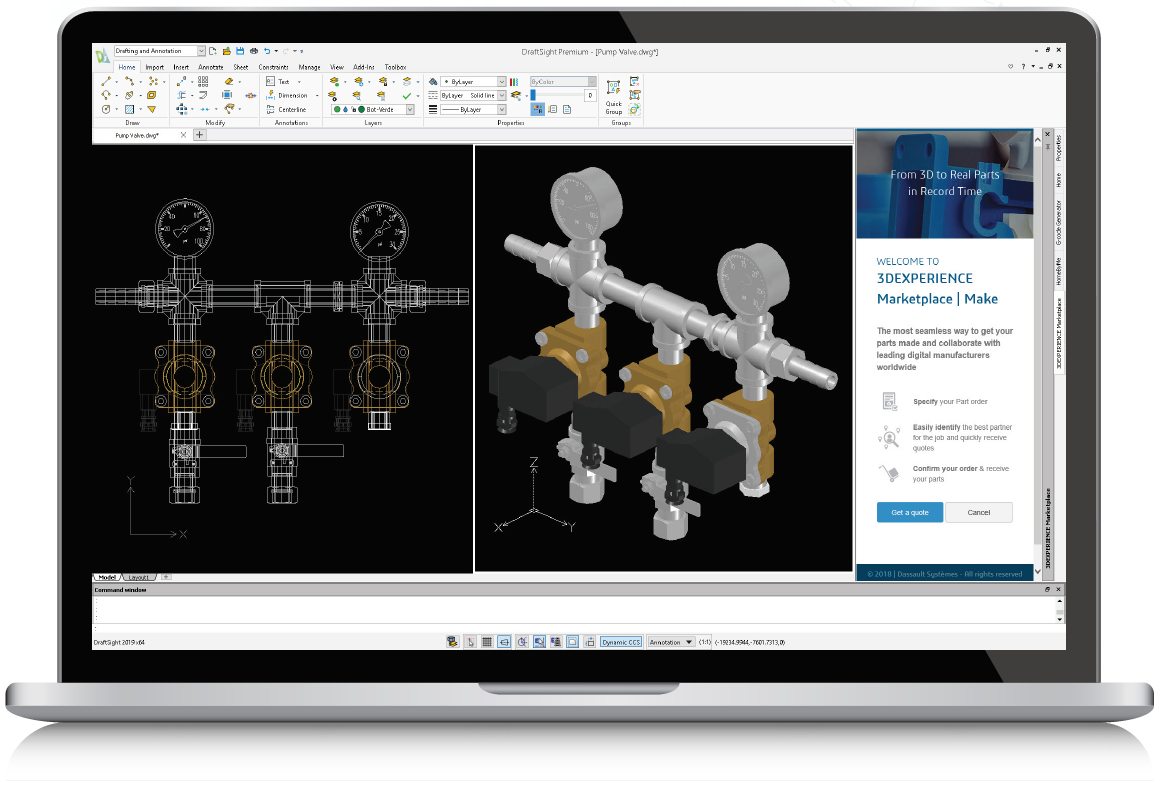
An advanced solution for 2D drafting in CAD with powerful, time-saving features and an API that helps bring your projects to life quickly and easily. Perfect for companies, individuals, and designers.
Reliable experience in 2D drafting and 3D design with full 3D capabilities and constraint features that will help meet all your drafting, modeling, prototyping, manufacturing, laser cutting, and 3D printing needs. Designed for individuals, designers, companies, manufacturers, and producers.
Comprehensive solution for 2D drafting and 3D design that meets any requirements for drafting, modeling, prototyping, manufacturing, laser cutting, and 3D printing. Includes full technical support, deployment, and network licensing for concurrent use. Designed for large organizations with a high number of users or multiple sites.
Minimum of 2 network shared licenses.
Create basic elements such as lines, polylines, arcs, circles, ellipses, layers, blocks, and others.
Create basic annotation elements such as notes, dimensions, tables, hatching, clouds, and others.
Suggest educational resources and a collaborative environment to communicate with colleagues, ask questions, and share opinions.
Attach the PDF document pages to the drawing.
Quickly create equipment, holes, callouts, specifications, welding designations, and surface treatments.
Sending a set of drawings and sheets for printing in a batch job.
Compare graphically similar objects between two drawing documents.
Trim several adjacent objects by dragging the pointer over each object.
Connection to the CNC machine for manufacturing.
Direct import and conversion of DGN file format drawings into a DraftSight project for direct editing.
Allow end users or third-party developers to customize and automate DraftSight.
Convert the imported raster image file (e.g., floor plan, logo) into vector line objects.
Use formulas in cells with arithmetic operators and the functions Sum, Average, and Count.
Trim and PowerTrim to cut off hatches and gradients.
3D modeling using basic geometric shapes (e.g., Box, Pyramid) or other methods (e.g., Extrude, Revolve) with logical operations (e.g., Union, Subtract).
Use 2D dependencies for parametric control of drawing objects by specifying the geometric and dimensional properties of the objects.
Ensure simultaneous use and compliance with requirements throughout the organization.
Allow large groups of users to install or update DraftSight.
Answer questions or troubleshoot issues related to DraftSight.