WATCH THE TUTORIALS (https://LINK)
Now that you’ve mastered the basics, it’s time to enhance your xShape skills. Learn how to create more complex models and build on your subdivision (Sub-D) modeling knowledge with these intermediate xShape tutorial videos.
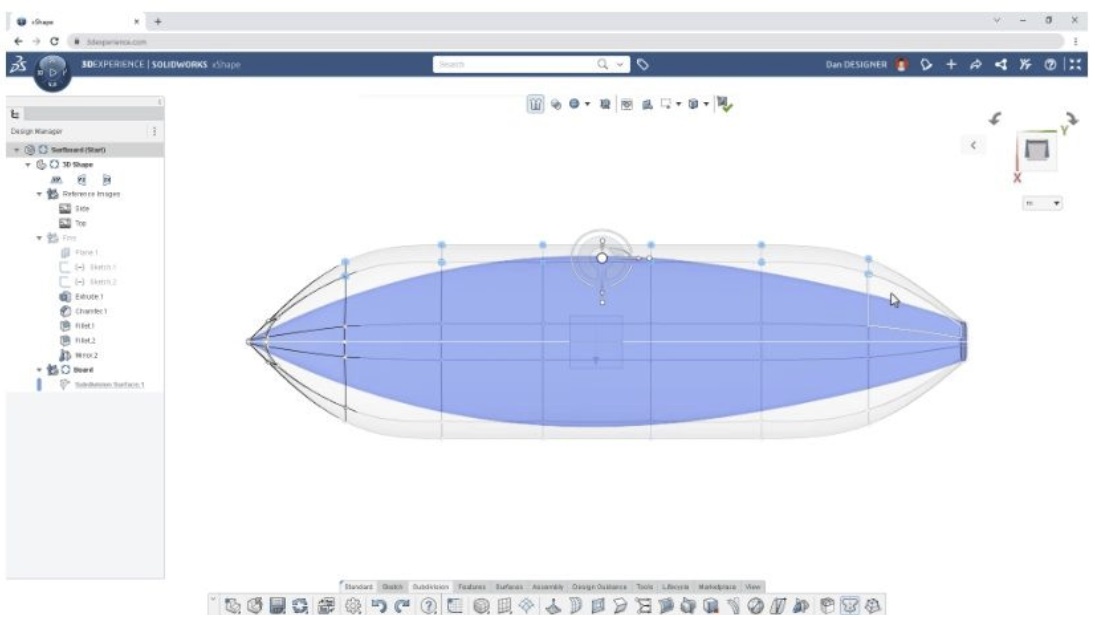
In these videos you will learn about:
Next-level robot manipulation, subdivision mesh editing, and keyboard shortcuts
How to align Sub-D geometry
Soft selection and selection filters
How to delete and fill faces
All about mesh inspection and the cage view
WATCH THE TUTORIALS (https://LINK)
Watch the tutorials and download the working files to follow along and learn more about xShape.
Don’t have xShape and want to follow along?
CONTACT US (https://LINK) to add xShape to your design toolbox.
Cheers,
Your friends at Geo-Mentor’s SOLIDWORKS® team

