Интуитивный 3D CAD для механического проектирования, моделирования и подготовки документации для изделий и сборок.

SOLIDWORKS повышает производительность определенных инструментов и рабочих процессов в последнем выпуске своего портфолио приложений для 3D-дизайна и проектирования, которые в настоящее время используются миллионами новаторов по всему миру. SOLIDWORKS предлагает сотни новых улучшений, ориентированных на пользователей, которые ускоряют внедрение инноваций, оптимизируют и ускоряют процесс разработки продукта от концепции проектирования до производства продукта.
GEO-MENTOR является авторизованным партнером SOLIDWORKS в Украине и Восточной Европе.
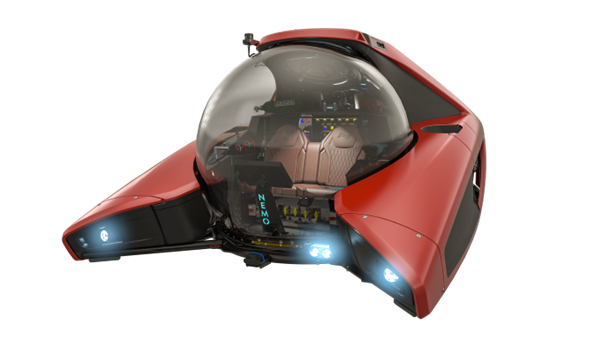
SOLIDWORKS открывает для пользователей возможности использования возможностей совместной работы платформы 3DEXPERIENCE от Dassault Systèmes и повышения их конкурентных преимуществ за счет подключения к портфелю решений 3DEXPERIENCE Works.
SOLIDWORKS включает:
Интуитивно понятные решения для 3D-дизайна и разработки продуктов от SOLIDWORKS позволяют концептуализировать, создавать, проверять, сообщать, управлять и преобразовывать свои инновационные идеи в великолепные проекты продуктов.
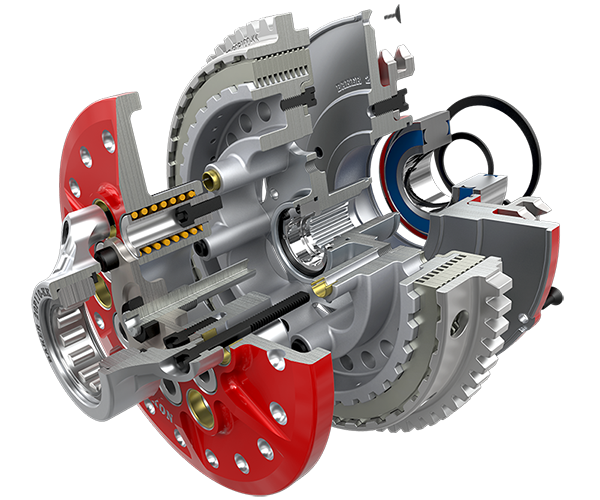
Значительно улучшите способы разработки и производства продуктов. Являясь основой для всего набора решений SOLIDWORKS для разработки продуктов, пакеты SOLIDWORKS CAD охватывают проектирование, моделирование, оценку стоимости, проверку технологичности, CAM, устойчивое проектирование и управление данными.
Предоставляя лучшие в своем классе, тесно интегрированные инструменты для каждой области разработки продуктов и управления ими, SOLIDWORKS позволяет предприятиям ускорить каждый этап цикла разработки, позволяя всем дисциплинам работать одновременно, начиная с концепции и заканчивая производством.
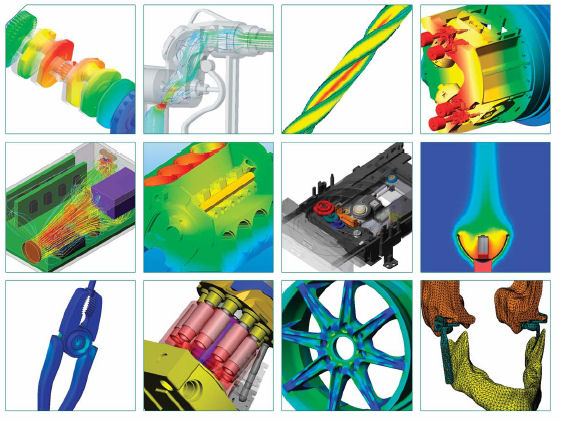
SOLIDWORKS Simulation — это комплексное решение для структурного анализа, полностью встроенное в SOLIDWORKS, которое может использоваться как дизайнерами, так и аналитиками, чтобы позволить компаниям быстрее и с меньшими затратами выводить свои продукты на рынок без ущерба для качества или производительности.
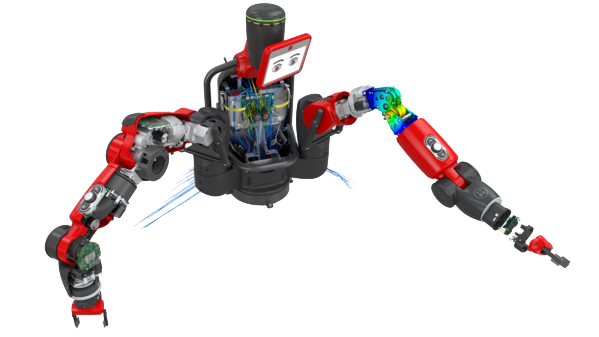
SOLIDWORKS Simulation — это набор решений для структурного анализа, использующих метод анализа конечных элементов (FEA) для прогнозирования физического поведения продукта в реальном мире путем виртуального тестирования моделей САПР. Портфолио включает решения для линейного, нелинейного статического и динамического анализа, разделенные на три продукта: Simulation Standard, Simulation Professional и Simulation Premium, каждый из которых добавляет простые в использовании возможности для решения все более сложных задач.
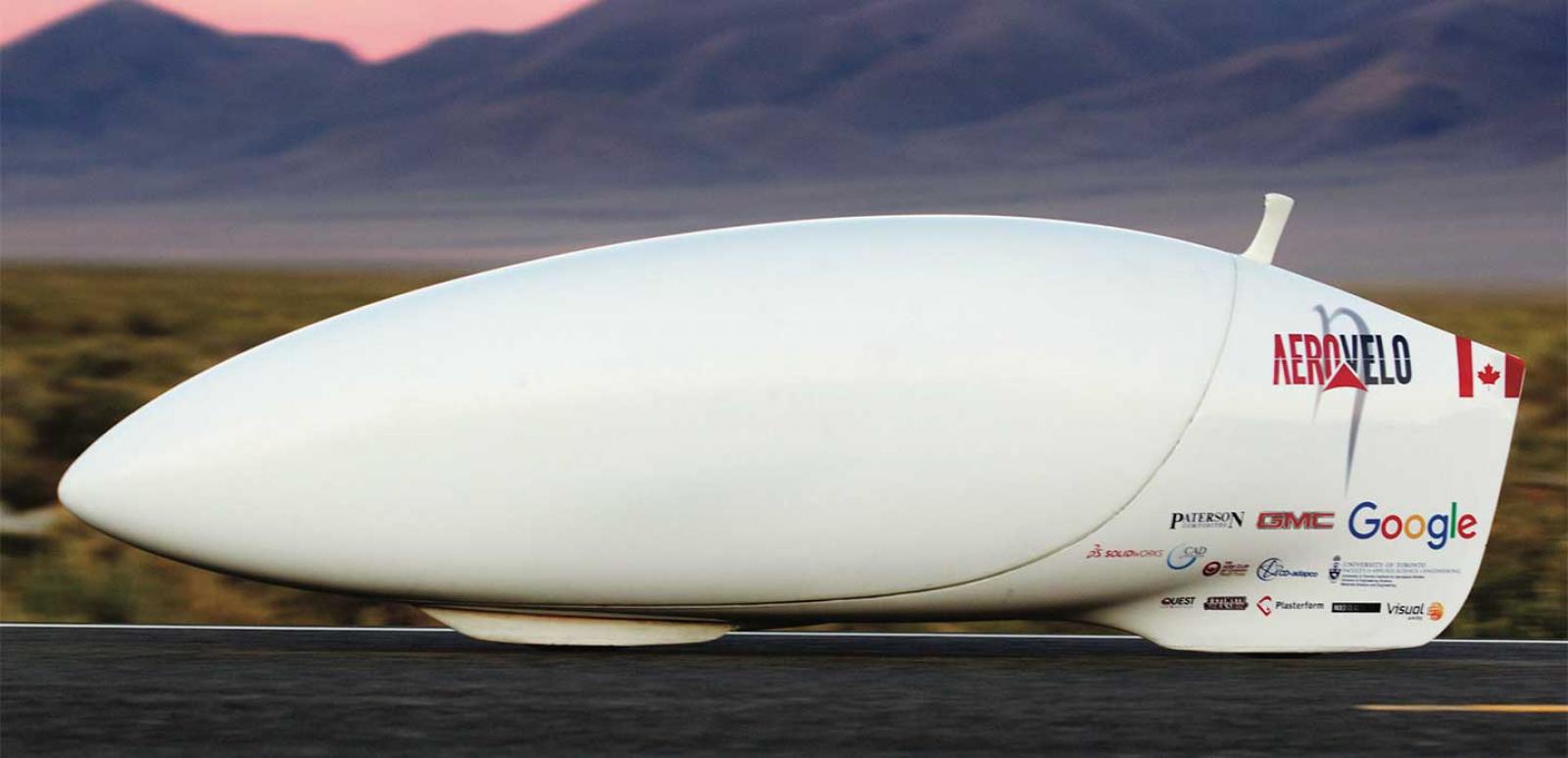
SOLIDWORKS Flow Simulation — это универсальный инструмент для моделирования потоков жидкости и теплообмена, интегрированный с SOLIDWORKS 3D CAD. Этот мощный инструмент для трехмерного моделирования, способный моделировать как низкоскоростные, так и сверхзвуковые потоки, обеспечивает по-настоящему параллельный инжиниринг и предоставляет каждому проектировщику критически важные возможности анализа потока жидкости и теплообмена. В дополнение к SOLIDWORKS Flow Simulation проектировщики могут моделировать влияние вентиляторов и вращающихся компонентов на поток жидкости, а также нагрев и охлаждение компонентов.
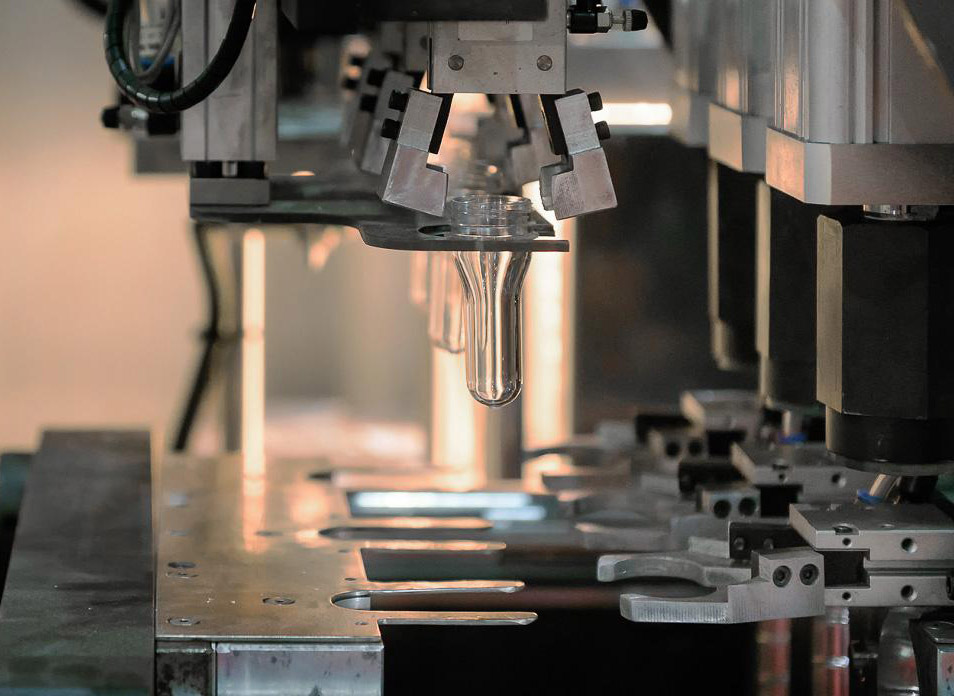
Прогнозируйте и избегайте производственных дефектов пластиковых деталей и пресс-форм для литья под давлением, устраняя дорогостоящие доработки, повышая качество деталей и сокращая время выхода на рынок.
SOLIDWORKS Plastics предлагает инструменты моделирования автоматизированного проектирования (CAE), которые прогнозируют, как расплавленный пластик течет во время процесса литья под давлением — производственного метода, используемого для производства более 80 % всех пластмассовых изделий. Возможность предсказать, как пластик будет течь, позволяет прогнозировать производственные дефекты. Имея возможность прогнозировать эти дефекты, пользователи могут изменять геометрию пресс-формы, условия обработки или используемый пластик, чтобы свести к минимуму потенциальные дефекты, тем самым экономя энергию, природные ресурсы, время и деньги.
SOLIDWORKS PDM — это основная система управления данными, в которой хранятся и систематизируются инженерные данные САПР и другие документы в центральном хранилище с реляционной базой данных
для управления всей информацией о файлах и ссылках, правах пользователей и групп, электронных рабочих процессах и многом другом. SOLIDWORKS PDM встроен в проводник Windows
, поэтому пользователи работают в знакомой среде, но с гораздо большим количеством информации и контроля.
SOLIDWORKS PDM использует организованный локальный кэш, в котором файлы автоматически извлекаются с центрального файлового сервера (архивного сервера) и помещаются в локальный кэш пользователя на его жестком диске. Это значительно повышает производительность по сравнению с открытием и сохранением файлов в общих сетевых папках. Если файл необходимо отредактировать, пользователь извлекает файл, что дает ему права доступа к нему. После завершения редактирования файл копируется обратно на сервер архивации в процессе регистрации. В процессе регистрации автоматически создается новая версия файла.
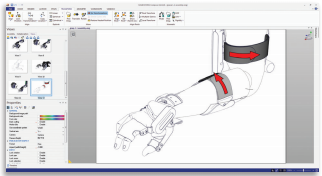
SOLIDWORKS Composer предоставляет вам инструменты для проектирования и создания материалов для технической коммуникации параллельно с разработкой продукта, чтобы ваша документация соответствовала вашим проектным изменениям и была готова для вашего продукта. Интуитивно понятный интерфейс SOLIDWORKS Composer позволяет создавать высокодетализированные 2D- и 3D-графики с точным управлением, чтобы выделить интересующие области и сосредоточиться на определенных компонентах. Вы можете легко вывести трехмерную интерактивную анимацию, чтобы создать реалистичную трехмерную среду для интерактивного обучения или привлекательных маркетинговых презентаций.
Напишите нам — ответим быстро.
GEO-MENTOR Support

