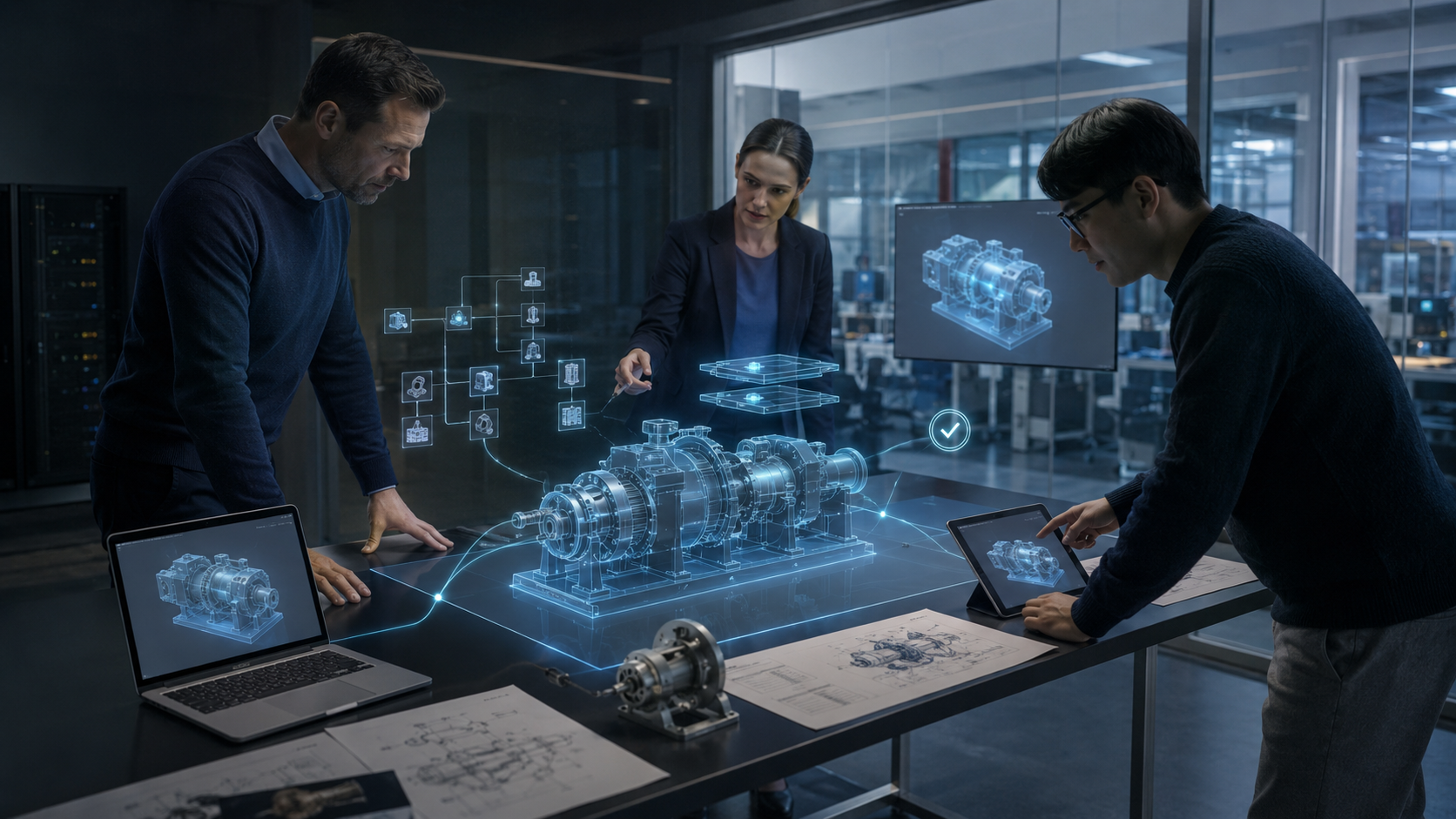
3DEXPERIENCE is Dassault Systèmes’ cloud-based PLM platform, which brings together design, data management, change management and collaboration within a single environment. Unlike SOLIDWORKS PDM – a data management solution – it works not only with CAD files and their versions, but also with objects: parts, assemblies, BOMs and processes. Users have two main ways to access the platform – via the SOLIDWORKS client or a web browser.
| Criterion | SOLIDWORKS PDM | 3DEXPERIENCE |
| Data storage | Local server on the company network | Cloud or hybrid environment |
| Basic principle | Management of files, folders and versions | Management of objects, BOMs, changes and processes |
| Access | Primarily via the corporate network and the PDM client | Via SOLIDWORKS and the web interface |
| Teamwork | Workflow, statuses and access control | A single space for designers, engineers and managers |
SOLIDWORKS PDM stores files in a repository and manages their versions, revisions and statuses. The 3DEXPERIENCE Platform from Dassault Systèmes adds PLM logic to these functions: it links the model to the BOM, tasks, approval workflows and change history. As a result, the designer continues to work in SOLIDWORKS, but the data is now viewed as part of a holistic product structure.
After the transition, the designer remains within the familiar SOLIDWORKS interface. There is no need to learn any new CAD tools for design. Day-to-day work with models, assemblies and drawings is carried out as usual. The main work operations are also retained:
The main difference lies not in the design itself, but in data management. Instead of a local PDM server, files are stored in the 3DEXPERIENCE cloud environment, where versions, statuses and access rights are managed. Therefore, the designer continues to work in SOLIDWORKS, but now stores and coordinates data via the platform.
Following the transition, the main changes relate not to design, but to working with engineering data. Files are no longer dependent on a local PDM server but are stored in the Dassault Systèmes cloud environment. Designers can open them via the SOLIDWORKS client or the 3DEXPERIENCE web interface. In practice, four workflows are affected:
The version control logic remains familiar, but data is given a broader context. A status, responsible person, task and approval stage can be linked to a model. This simplifies navigation within large projects and helps different departments work with a single, up-to-date version of the product.
3DEXPERIENCE extends the familiar PDM functionality and elevates the department’s work to the level of a full-fledged PLM system. As the PLM core, ENOVIA manages not only files but also the product structure, BOM specifications, configurations and changes. The design department gains several new capabilities:
As a result, designers, engineers and managers work with a single product structure. One specialist can update the model, whilst others immediately see its current status, associated changes and approval status. This reduces the number of local copies, file transfers and manual version checks.
Migrating to the platform requires preparation of data, users and IT infrastructure. The scope and duration of migrating the PDM archive to the cloud depend on the number of files, revisions, metadata and relationships between models. Training for designers usually takes less time, as they continue to use SOLIDWORKS. Administrators need to familiarise themselves with the new logic for working with objects, roles and lifecycles. Before launching the migration, it is worth considering the main challenges:
It is more practical to start with a single new project and migrate the old archive gradually. This allows you to verify the data structure, access rights and workflows without disrupting the department. To assess the archive’s size, timelines and role structure in advance, book a consultation on migrating to 3DEXPERIENCE. GEO-MENTOR’s specialists will help you prepare a migration plan quickly, thoughtfully and clearly, train your staff and complete a full transition to the platform.
Migrating from SOLIDWORKS PDM to 3DExperience does not change the designer’s primary tool. Parts, assemblies, drawings and simulations continue to be created within the familiar SOLIDWORKS environment. What changes, first and foremost, is the approach to storing, searching for, approving and controlling engineering data.
Instead of a local PDM server, the company gains a cloud-based PLM platform featuring ENOVIA, BOM management, flexible approval workflows and mobile access. As a result, designers continue to work with the CAD tools they are familiar with, whilst data, versions and changes are managed within the unified 3DEXPERIENCE environment.
No, your SOLIDWORKS licence remains valid. The 3DEXPERIENCE Platform is a separate tier of the PLM platform that extends the capabilities of SOLIDWORKS. 3DEXPERIENCE licences are added on top of existing SOLIDWORKS licences; they do not replace them. Designers continue to design in SOLIDWORKS, but the data is now stored and managed via the 3DEXPERIENCE platform. This simplifies teamwork, version control and the approval of design changes.
Between 2 and 8 weeks, depending on the size of the archive (number of files, revisions, metadata) and how well-prepared the existing database is. A clean, well-structured PDM archive migrates more quickly. Best practice is to start new projects directly in 3DEXPERIENCE, whilst migrating the existing archive in parallel, without interrupting the department’s day-to-day work. This approach reduces the risk of errors and simplifies the verification of migrated data.
To a certain extent. 3DEXPERIENCE supports offline mode for the SOLIDWORKS client: a designer can download files to work on without a connection and, once connected, synchronise changes with the cloud. However, administrative functions, browser-based viewing and real-time collaborative editing require a stable internet connection. It is therefore advisable to check your network speed before making the switch and to have a backup connection available for critical work operations.
Yes, the 3DEXPERIENCE Platform, via ENOVIA, integrates with leading ERP systems (SAP, Oracle) through standard APIs or ready-made connectors. This allows bills of materials (BOMs) and part statuses to be transferred directly to the ERP system for production planning without the need for manual data entry. Integration also reduces the risk of errors and speeds up data exchange and coordination between engineering and manufacturing teams.
ENOVIA is the PLM core of Dassault Systèmes’ 3DEXPERIENCE platform, which manages the bill of materials (BOM), engineering changes (ECO/ECR), configurations and approval workflows at the object level rather than at the file level. Unlike SOLIDWORKS PDM (file management), ENOVIA manages the product as a single, integrated object throughout all stages of its life cycle – from concept to production.

