Intuitive 3D CAD for mechanical design, modeling, and documentation preparation for products and assemblies.

SOLIDWORKS enhances the performance of specific tools and workflows in the latest release of its portfolio of 3D design and engineering applications, which are currently used by millions of innovators worldwide. SOLIDWORKS offers hundreds of new user-focused enhancements that accelerate innovation, optimize and accelerate the product development process from design concept to product manufacturing.
GEO-MENTOR is an authorized SOLIDWORKS partner in Ukraine and Eastern Europe.
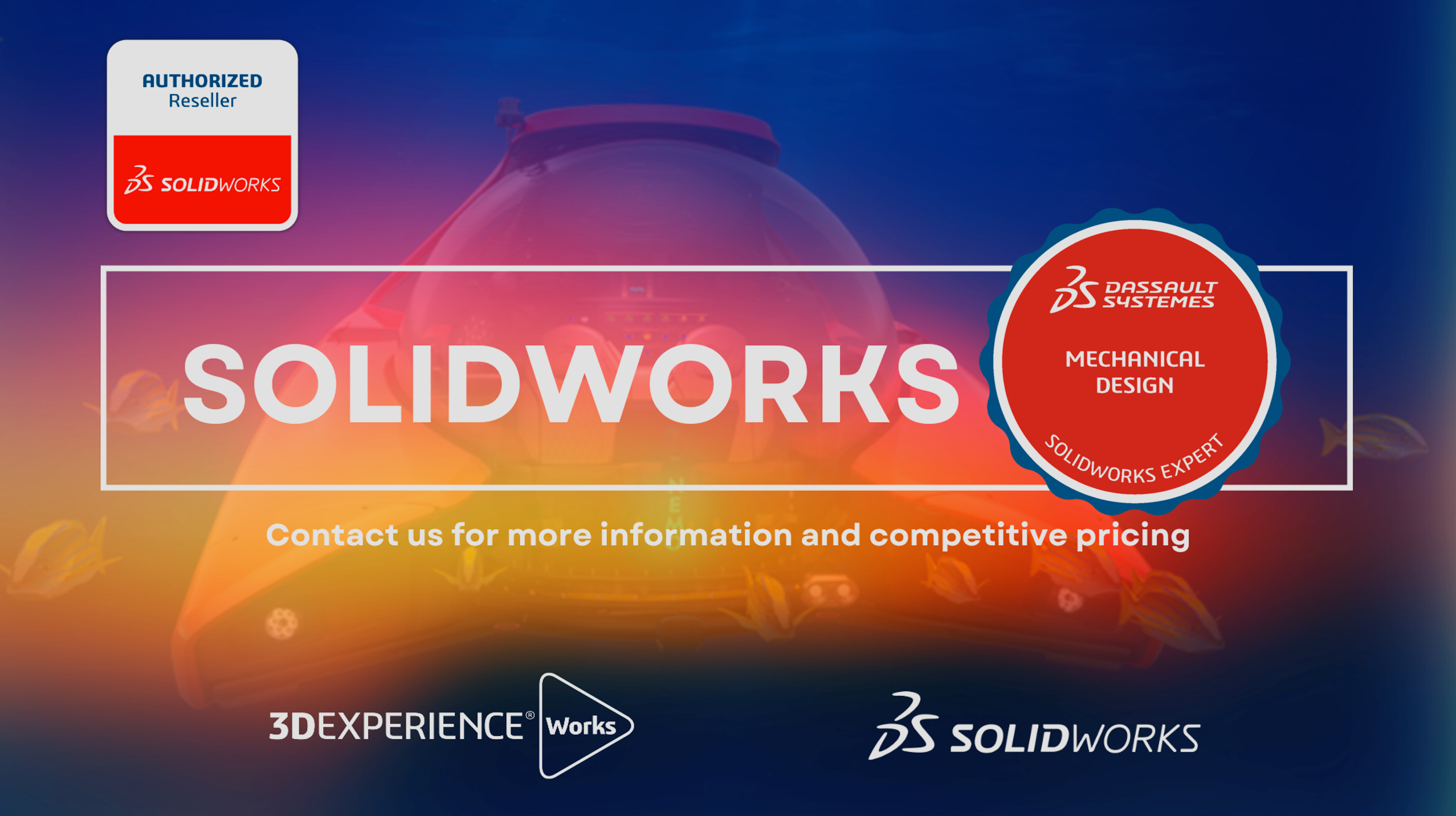
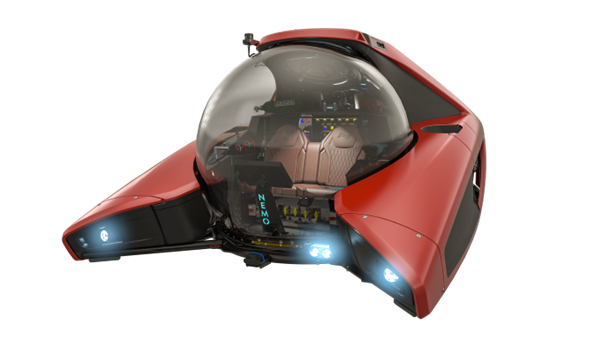
SOLIDWORKS enables users to leverage the collaborative capabilities of Dassault Systèmes' 3DEXPERIENCE platform and enhance their competitive advantage by connecting to the 3DEXPERIENCE Works portfolio of solutions.
SOLIDWORKS includes:
SOLIDWORKS’ intuitive 3D design and product development solutions enable you to conceptualize, create, validate, communicate, manage, and transform your innovative ideas into great product designs.
Significantly improve the way you develop and manufacture products. As the foundation for the entire SOLIDWORKS product development suite, SOLIDWORKS CAD packages cover design, modeling, cost estimation, manufacturability verification, CAM, sustainable design, and data management.
By providing best-in-class, tightly integrated tools for every area of product development and management, SOLIDWORKS enables businesses to accelerate every stage of the development cycle, allowing all disciplines to work simultaneously, from concept to production.
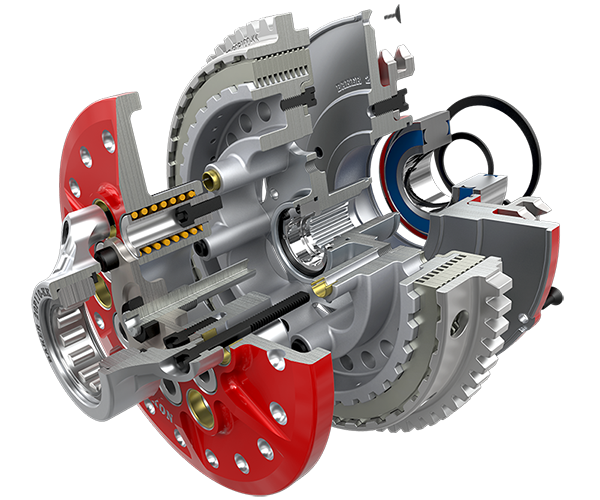
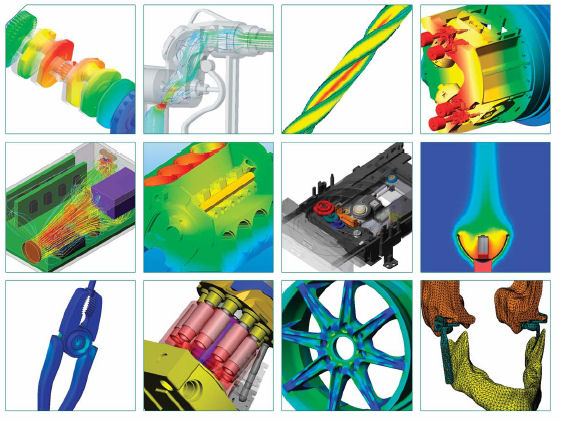
SOLIDWORKS Simulation is a comprehensive structural analysis solution fully integrated into SOLIDWORKS that can be used by both designers and analysts to enable companies to bring their products to market faster and at lower cost without compromising quality or performance.
SOLIDWORKS Simulation is a suite of structural analysis solutions that use finite element analysis (FEA) to predict the physical behavior of a product in the real world by virtually testing CAD models. The portfolio includes solutions for linear, nonlinear static, and dynamic analysis, divided into three products: Simulation Standard, Simulation Professional, and Simulation Premium, each of which adds easy-to-use capabilities to solve increasingly complex problems.
SOLIDWORKS Flow Simulation is a versatile tool for simulating fluid flow and heat transfer, integrated with SOLIDWORKS 3D CAD. This powerful 3D simulation tool, capable of simulating both low-speed and supersonic flows, enables true parallel engineering and provides every designer with critical fluid flow and heat transfer analysis capabilities. In addition to SOLIDWORKS Flow Simulation, designers can simulate the impact of fans and rotating components on fluid flow, as well as the heating and cooling of components.

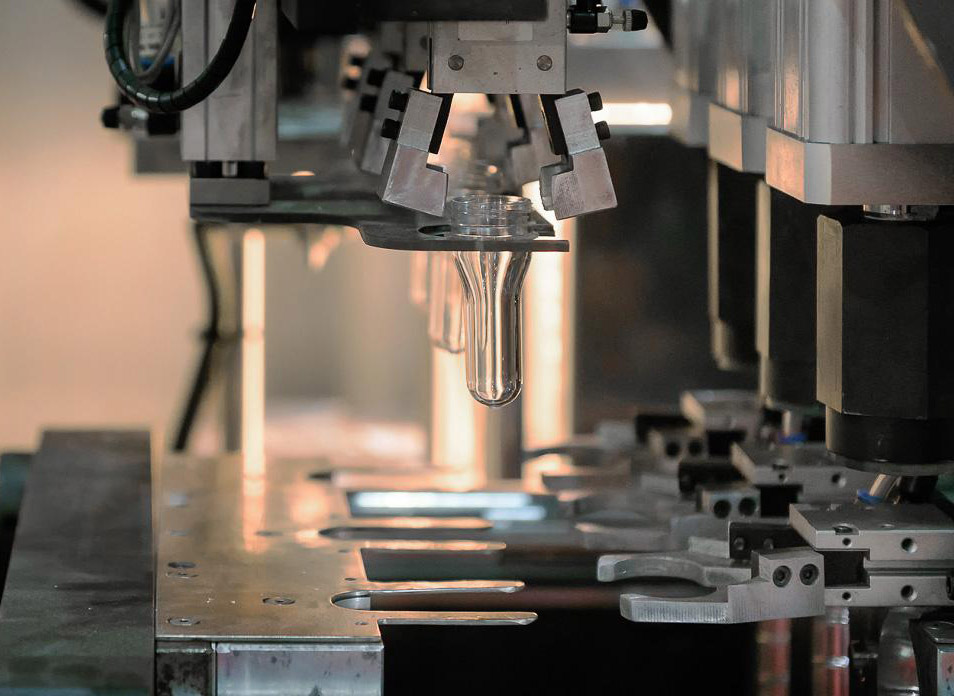
Predict and avoid manufacturing defects in plastic parts and injection molds, eliminating costly rework, improving part quality, and reducing time to market.
SOLIDWORKS Plastics offers computer-aided engineering (CAE) simulation tools that predict how molten plastic flows during the injection molding process—a manufacturing method used to produce more than 80% of all plastic products. The ability to predict how plastic will flow allows manufacturers to anticipate production defects. With the ability to predict these defects, users can modify mold geometry, processing conditions, or the plastic used to minimize potential defects, thereby saving energy, natural resources, time, and money.
SOLIDWORKS PDM is a core data management system that stores and organizes CAD engineering data and other documents in a central repository with a relational database
to manage all file and link information, user and group permissions, electronic workflows, and more. SOLIDWORKS PDM is integrated into Windows Explorer, so users work in a familiar environment but with much more information and control.
SOLIDWORKS PDM uses an organized local cache where files are automatically retrieved from the central file server (archive server) and placed in a local cache.
SOLIDWORKS PDM uses an organized local cache, where files are automatically retrieved from the central file server (archive server) and placed in the user's local cache on their hard drive. This significantly improves performance compared to opening and saving files in shared network folders. If a file needs to be edited, the user checks out the file, which gives them access rights to it. After editing is complete, the file is copied back to the archive server during the check-in process. A new version of the file is automatically created during the check-in process.
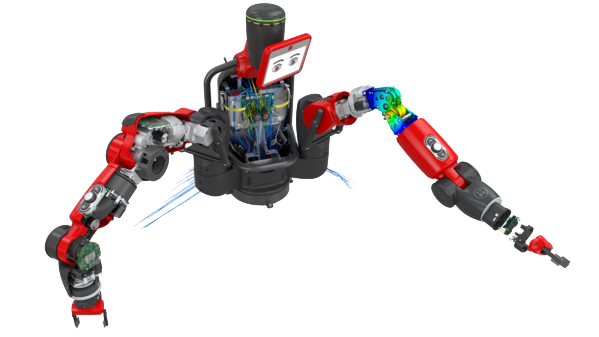
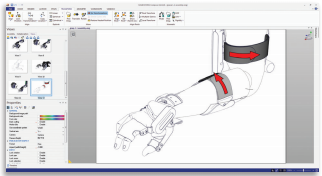
SOLIDWORKS Composer provides you with the tools to design and create technical communication materials in parallel with product development, ensuring that your documentation keeps pace with your design changes and is ready for your product. SOLIDWORKS Composer’s intuitive interface lets you create highly detailed 2D and 3D graphics with precise control to highlight areas of interest and focus on specific components. You can easily output interactive 3D animations to create realistic 3D environments for interactive training or engaging marketing presentations.
Write to us — we will respond quickly.
GEO-MENTOR Support

