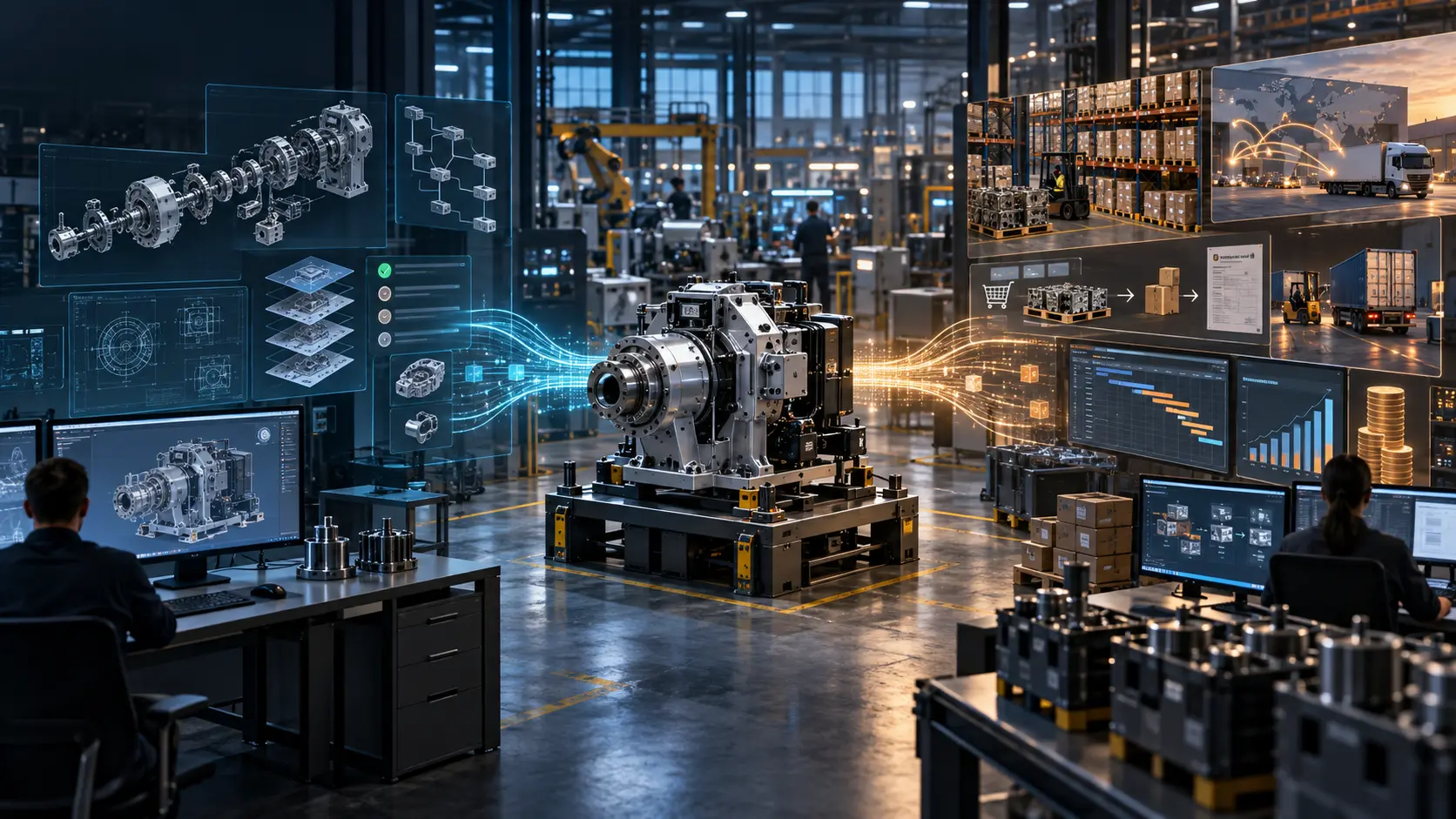
PLM (Product Lifecycle Management) manages a product’s engineering data – from concept to end-of-life – whilst ERP (Enterprise Resource Planning) is responsible for a company’s finances, stock, personnel and orders. When comparing PLM vs ERP, the former works with 3D models, specifications, approval workflows and versions of design documentation, whilst the latter deals with the production BOM (Bill of Materials), invoices, stock and contracts. These systems are not interchangeable: PLM shapes and manages the engineering aspects of the product, whilst ERP utilises the data for resource planning, production and dispatch.
| Criterion | PLM | ERP |
| Management object | Product lifecycle and design | Enterprise resources and business processes |
| Key users | Designers, process engineers, engineers | Finance, procurement, warehousing, planning |
| Data types | 3D models, eBOMs, drawings, revisions, approval workflows | mBOMs, invoices, stock, contracts, orders |
| Point of entry into the process | From concept and design | From production preparation to dispatch |
ERP is an enterprise resource planning system that integrates finance, warehousing, procurement, sales, HR and production orders. Typical solutions include SAP S/4HANA, Oracle ERP, Microsoft Dynamics 365 and 1C. In manufacturing, ERP addresses several key tasks:
However, ERP is not designed to store or manage 3D models, versions of design documentation or ECOs (Engineering Change Orders) linked to CAD. It is also important not to confuse the manufacturing BOM in ERP with the engineering BOM in PLM: these are different structures with different purposes.
PLM is a system for managing engineering data and the product lifecycle. We have explained the system’s logic in more detail in the article “PLM system: what it is and how it differs from a file repository“, whilst here we will focus specifically on its role in conjunction with ERP. So, PLM:
PLM’s area of responsibility is the engineering side of the product, rather than finance, procurement or warehouse operations. This is what distinguishes it from ERP and determines what data needs to be transferred between systems.
| Criterion | PLM | ERP |
| Management Object | Product lifecycle and design | Enterprise resources and business processes |
| Key users | Designers, process engineers, engineers | Finance, procurement, warehousing, planning |
| Data types | 3D models, drawings, eBOM, revisions, ECO/ECR | mBOMs, orders, stock, invoices, contracts |
| Point of entry into the process | From requirements and concept | From production preparation and planning |
| Change management | Manages ECOs/ECRs and documentation revisions | Receives approved changes for the production line |
| BOM management | Creates and maintains the engineering BOM | Uses the manufacturing BOM for production |
| Integration with CAD | Directly or via PDM/PLM connectors | Usually via PLM or PDM |
| Implementation cost | From a minimum $3500-10,000+ for small and medium-sized businesses; large projects can cost several million dollars | From a minimum $2000-50,000+ for small and medium-sized businesses; large projects can cost several million dollars |
In the PLM vs ERP context, the boundary lies with the mBOM: in PLM, the manufacturing BOM is generated based on the engineering BOM and is then transferred to ERP for production, procurement and resource planning. If an ECO is approved in PLM, the changes are reflected in the mBOM and must be synchronised with ERP. The systems also overlap during the procurement of components: PLM stores the specification and technical requirements, whilst ERP manages the supplier, price and stock levels. If there is no coordinated exchange between them, duplicates and inconsistencies arise in the BOM.
PLM sends the current mBOM to ERP, and ERP returns data on the cost price and availability of components. Without integration, the eBOM and mBOM may diverge, creating a risk of production errors. For example, an automotive supplier changed a fastener in PLM, but the ERP system continued to order the old part number – as a result, the wrong component ended up on the production line. Therefore, PLM and ERP must operate as a single digital loop – from the designer to the production floor.
PLM and ERP integration can be structured according to various models, depending on the complexity of production and the volume of data. Three schemes are most commonly used:
API integrations and standards such as ISO 10303 (STEP) are used for data exchange. Typically, mBOMs, materials and revisions are transferred from PLM to ERP, whilst prices, component availability and production data are transferred in the opposite direction.
The integration of PLM and ERP becomes more comprehensive when an MES (Manufacturing Execution System) operates between them – an intermediate layer for real-time production management. PLM transfers design documentation and specifications, MES monitors the execution of operations and collects data from equipment, whilst ERP is responsible for planning, finance and the BOM for procurement. These three levels are necessary because MES works with operational shop floor data, which PLM and ERP do not usually process in real time. This structure fits well with the concepts of Industry 4.0 and the digital twin.
PLM and ERP cover different parts of the product and business lifecycle: the former manages engineering data and changes, whilst the latter manages resources and operational processes. In the PLM vs ERP context, integration via mBOM and ECO processes brings these areas together into a single digital enterprise ecosystem.
No. ERP covers production planning, procurement, materials, finance and other operational processes, but PLM serves a different purpose. It manages CAD data, eBOMs, revisions, ECRs/ECOs and engineering approvals. Some ERP ecosystems also include PLM functions, so the exact boundary depends on the architecture. Complex products and frequent design changes require a controlled engineering data management cycle.
An engineering BOM is the design structure of a product, which describes its composition from a design perspective. A manufacturing BOM is the structure required for actual production. An mBOM may contain production elements and features not found in an eBOM, and is generated on the basis of the latter. PLM manages the relationship between these structures, whilst production and ERP systems use the mBOM for material planning, ordering and component procurement.
$30,000-100,000 is the indicative budget for initial two-way PLM and ERP integration for a medium-sized enterprise. Annual support may cost a further $5000-30,000, whilst complex enterprise-wide projects may exceed $100,000. The final cost depends on the specific PLM and ERP systems, the number of systems and objects to be synchronised, the complexity of the eBOM/mBOM, the volume of historical data, the need for custom APIs or connectors, testing and ongoing technical support.
Start with the problematic process. If the majority of errors occur in CAD, versions, eBOMs and ECOs, it is worth stabilising the PLM workflow first. If the organisation lacks reliable tracking of stock, procurement and production orders, the priority may lie with ERP. Before integration, it is important to define data owners, statuses, approval rules and the transition from eBOM to mBOM. The order of the systems is less important than a clear data model.
Dassault Systèmes 3DEXPERIENCE (ENOVIA), Siemens Teamcenter and PTC Windchill are the main PLM platforms with advanced integration capabilities with SAP S/4HANA and SAP ECC. Specialised connectors and integration mechanisms are available for these, supporting the exchange of BOMs, materials, documents, revisions and other data. When selecting a system, it is worth comparing the supported SAP version, the list of synchronised objects, the direction of data exchange and the complexity of ongoing integration support.

