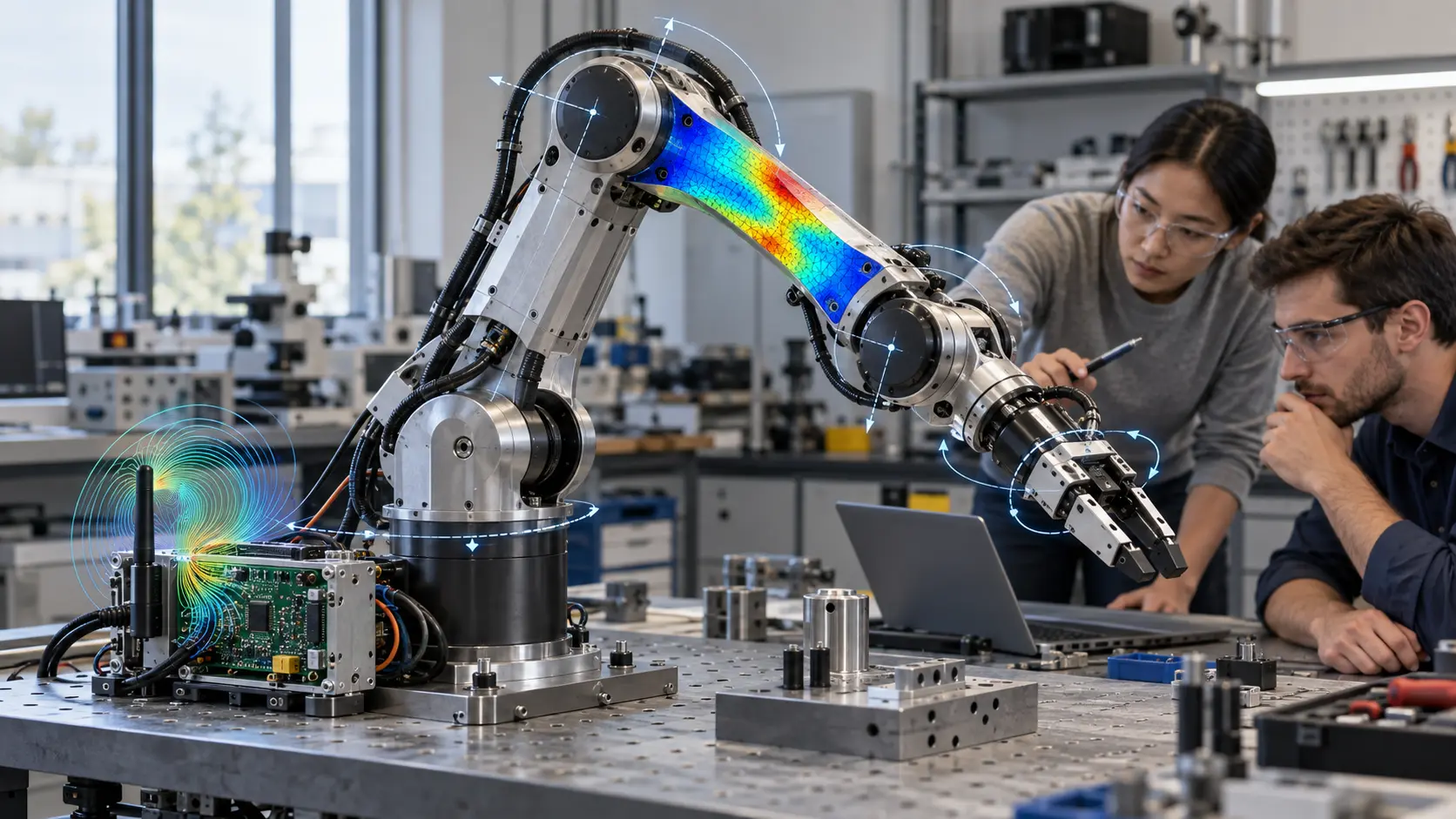
SIMULIA for Startups is an official promotional programme from Dassault Systèmes that provides engineering start-ups with access to professional CAE tools – Abaqus, CST Studio Suite and Simpack – with a 90% discount on the cost of full licences. CAE (Computer-Aided Engineering) refers to digital modelling and engineering simulations that enable the testing of designs, electromagnetic processes and mechanical systems before physical prototypes are manufactured. Unlike standard SIMULIA licensing, the start-up programme provides access to the same class of computational technologies on special promotional terms. The programme runs until 31 January 2027.
| Package | What’s included | SRU | Discount on full licence price |
| CST + Abaqus | CST Studio Suite Frontend Extended, SIMULIA Abaqus/CAE Extended | 17 | 90% |
| CST + Abaqus + Simpack | CST Studio Suite Frontend Extended, SIMULIA Abaqus/CAE Extended, Simpack Pre-processing, Simpack Processing | 25 | 90% |
SIMULIA Abaqus is a tool for digitally testing designs before a physical prototype is manufactured. Using FEA calculations, it is possible to analyse strength, impact, vibration, component contact, large deformations and the effects of temperature. This is particularly relevant for start-ups developing drones, robots, medical devices and automotive components. The package includes several key technologies:
For a hardware start-up, this means fewer physical tests and more validated options right from the development stage. For example, instead of destroying five prototype parts, the team can carry out dozens of digital crash tests in Abaqus and reserve only the most promising versions for physical testing.
CST Studio Suite is a programme for modelling electromagnetic phenomena, which shows how radio waves, electric fields and signals will behave even before the product is manufactured. It helps engineers to verify several critical parameters of the electronics whilst still at the digital modelling stage:
These capabilities are particularly relevant for start-ups in the fields of IoT, wireless communications, radar, avionics, medical electronics and satellite technologies. For example, before ordering the first batch of antennas, the team can verify the design in CST, identify potential issues with EMC or radiation characteristics, and make changes whilst the design is still a digital model, rather than after a production prototype has been manufactured.
Simpack is a tool for multibody dynamics (MBD) that simulates the motion and interaction of joints, levers, actuators, suspensions and gearboxes. Whilst Abaqus answers the question “will the component withstand the load?”, Simpack addresses “how will the entire mechanical system move?”, so within the Simulation Software for Startups programme, these products cover different types of engineering challenges:
For example, a start-up developing an exoskeleton can use Simpack to simulate the response of each joint to various human movement scenarios even before the first metal prototype is manufactured. Simpack becomes available from the second package onwards, which includes 25 SRUs, whilst the first package contains only CST Studio Suite and Abaqus. The third package also includes Simpack and comes with 50 SRUs.
SRUs (SimUnits) are SIMULIA’s simulation tokens, used to run solvers and various types of engineering simulations. The simplest way to think of them is as minutes on a mobile phone plan: you have a certain allowance, and how quickly it is used up depends on the technology chosen and the complexity of the task. To understand the difference between the packages, simply look at the base amount of SRUs and the capabilities it unlocks:
For a start-up in its early stages, 17 or 25 SRUs is a practical starting point for core CAE tasks. If the team plans to run more parallel or resource-intensive simulations, it is worth choosing a package with a larger SRU pool.
The SIMULIA for Startups programme is available to young hardware companies that meet Dassault Systèmes’ five basic criteria. To quickly check whether you meet the requirements for Simulation Software for Startups, simply go through this checklist:
These restrictions help to ensure the programme is targeted specifically at start-ups that actually create physical products and require engineering simulations. Companies involved in anti-piracy and compliance cases – that is, those with a history of breaching Dassault Systèmes’ licence terms – are also ineligible to participate.
| Package | What’s included | SRU | Discount on full licence price | Who it’s suitable for |
| Package 1 | CST Studio Suite + Abaqus | 17 | 90% | Start-ups working in electronics and mechanics |
| Package 2 | CST Studio Suite + Abaqus + Simpack | 25 | 90% | Teams requiring dynamic modelling of mechanical systems |
| Package 3 | CST Studio Suite + Abaqus + PowerFLOW + Simpack | 50 | 90% | Start-ups that also require CFD and aerodynamic calculations |
A 90% discount on the cost of full licences applies to all three packages. GEO-MENTOR selects the specific configuration after reviewing the start-up and its engineering requirements. If your project requires not only CAE simulations but also tools for design and engineering data management, explore CAD/PLM solutions for your industry – here you can select technologies tailored to your specific field and manufacturing process.
Applying for SIMULIA for Startups involves a few simple steps. First, check whether your company meets the programme’s criteria:
The programme runs until 31 January 2027. If your start-up meets the criteria, now is the best time to get started, whilst the offer is still available.
SIMULIA for Startups gives engineering start-ups access to professional CAE tools on terms that are significantly more affordable than standard licensing. The packages include Abaqus, CST Studio Suite and Simpack, which together cover structural analysis, electromagnetic simulations and the dynamics of mechanical systems. The main advantage of the programme is the ability to replace some of the expensive physical prototypes with digital tests as early as the development stage. If your start-up meets the eligibility criteria, please contact GEO-MENTOR to select a package.
Yes, SIMULIA for Startups allows the promotional terms to be extended into the second and third years. For SimUnit tokens, the discount is 75 per cent in the first year, 55 per cent in the second and 35 per cent in the third. This allows the start-up to gradually transition from the initial promotional price to standard licensing terms. The specific renewal price depends on the chosen package, the number of SRUs and Dassault Systèmes’ current commercial offer.
A start-up with funding in excess of €5 million no longer meets one of the SIMULIA for Startups criteria for the next promotional period. The programme is designed for companies up to five years old with less than €5 million in funding and less than €5 million in annual revenue. Therefore, before the subscription is renewed, compliance with these conditions is re-checked, and once the limit is exceeded, the next licence may be issued under a different Dassault Systèmes programme.
No, the basic promotional price for SIMULIA for Startups covers only software licences and the number of SimUnit tokens included in the package. Training and extended engineering support are selected separately according to the team’s needs. GEO-MENTOR provides training and technical support for Dassault Systèmes solutions, whilst SIMULIA has its own Learning Centre with training materials, including free self-learning modules. Individual instructor-led and corporate courses are also available for teams.
No, the standard SIMULIA for Startups offering consists of three fixed packages. The first includes CST Studio Suite and Abaqus with 17 SRUs, the second adds Simpack and 25 SRUs, and the third includes CST, Abaqus, Simpack, PowerFLOW and 50 SRUs. The terms of the promotion do not allow for replacing Simpack with PowerFLOW within a standard package. If a start-up requires a different configuration of CAE tools, this must be quoted separately.
One package contains one base licence for each software product included in its configuration. For example, the CST + Abaqus package contains 1 CST Studio Suite Frontend Extended, 1 SIMULIA Abaqus/CAE Extended and 17 SRUs. The SRUs function as a shared pool of tokens and determine access to solvers and the number of calculations that can be run simultaneously. Therefore, the number of parallel simulations depends not only on the software licence but also on the available SimUnit pool.

