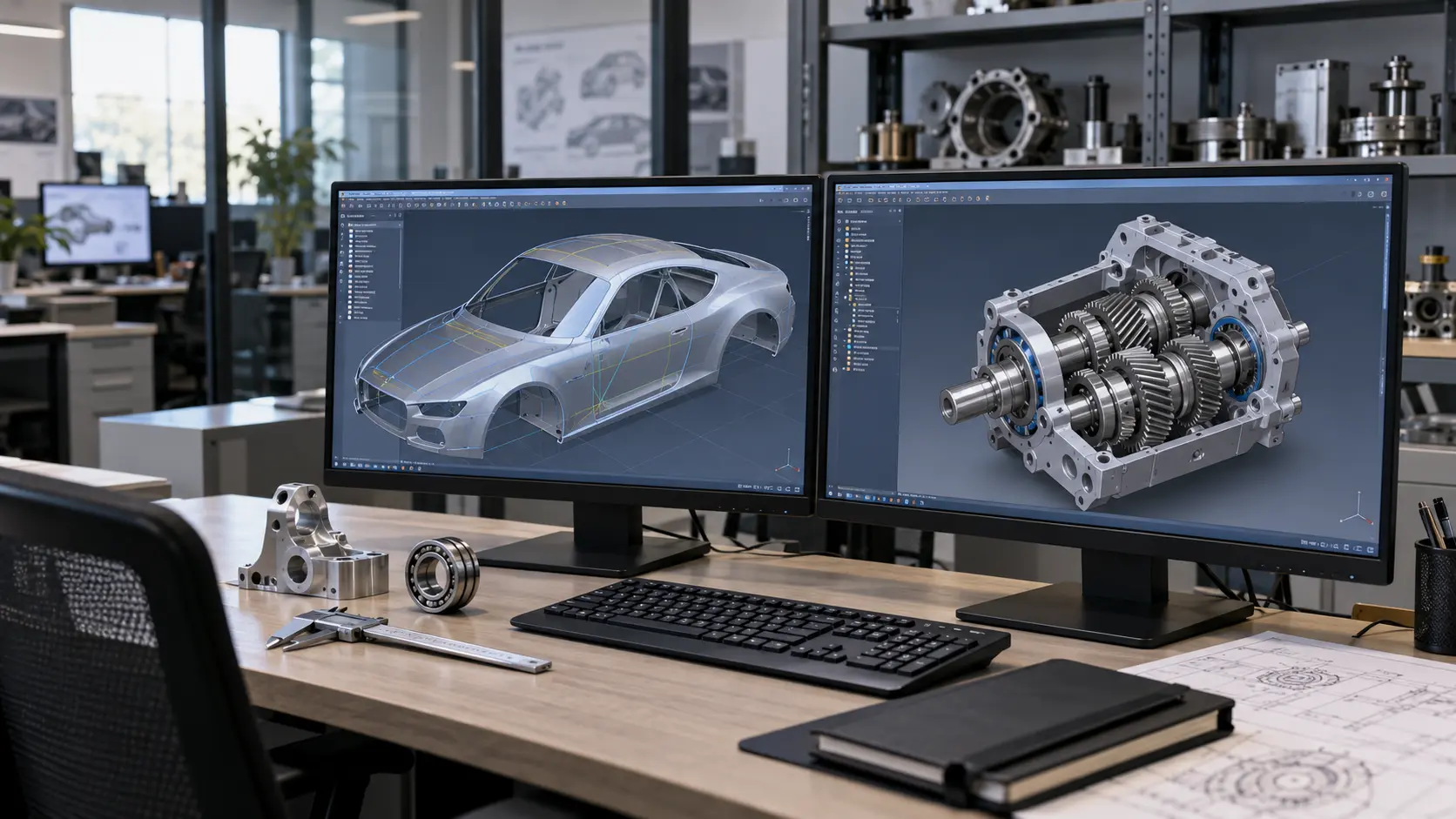
CATIA is designed for complex products, Class-A surfaces, large assemblies and multidisciplinary development, while SOLIDWORKS is more focused on mechanical engineering, equipment and serial products with standard geometry. Both systems belong to Dassault Systèmes: CATIA appeared in 1981, while SOLIDWORKS was founded in 1993. CATIA is used by more than 1 million users worldwide, including in projects at Boeing, Airbus and Ford. SOLIDWORKS today brings together more than 3.24 million designers and engineers across more than 240,000 organisations, including Proteus Motion, GEARS Mining, Dusty Robotics and Nextern. In a CATIA vs SOLIDWORKS comparison, the deciding factor is therefore not company size, but product complexity and development requirements.
| Criterion | CATIA | SOLIDWORKS |
| Product type | Complex multidisciplinary products | Parts, assemblies and serial equipment |
| Typical industries | Aerospace, automotive, shipbuilding | Mechanical engineering, equipment, instrumentation |
| Assembly size | Designed for large digital mock-ups and complex assemblies | Suitable for typical mechanical engineering assemblies |
| Surface modelling | Supports specialised Class-A surface modelling | Main focus – parametric 3D modelling |
| Learning curve | Higher due to a broader set of specialised tools | Lower thanks to a focus on ease of learning |
| Cost of ownership | From $7,229/year per user, depending on roles, modules and PLM configuration | From $2,820/year per user, depending on additional modules, PDM/Simulation and the level of technical support. |
CATIA grew out of aerospace engineering and was created for designing complex products. Today, CATIA V5 and 3DEXPERIENCE CATIA are in use. More details about the system’s capabilities are available on the CATIA – CAD/CAE platform page.
CATIA’s strengths include Class-A surfaces, very large assemblies, MBSE, and modules for composites, electrical wiring and sheet metal. The system is used in aerospace, automotive and shipbuilding, for example to develop a car body or an aircraft fuselage.
SOLIDWORKS was founded in 1993, and its popularity in mechanical engineering is largely linked to its intuitive interface and quick start for engineers. The ecosystem is built around SOLIDWORKS 3D CAD, complemented by PDM, Electrical, Plastics, CAM and Composer.
SOLIDWORKS Simulation can be added to the workflow to check structural strength and behaviour. The system is used to design machine tools, equipment, instruments and medical devices – for example, production tooling or an industrial machine.
| Criterion | CATIA | SOLIDWORKS |
| Geometry complexity | Suitable for complex forms and multidisciplinary products | Optimised for parametric parts and typical mechanical assemblies |
| Large assemblies | Designed to work with very large assemblies and digital mock-ups | Supports large mechanical assemblies, but at a different level of complexity |
| Class-A surfaces | Specialised tools for high-quality surfaces are available | Surface modelling is available, but Class-A is not the primary use case |
| Simulation | Integration with SIMULIA and 3DEXPERIENCE | SOLIDWORKS Simulation, Flow Simulation and Plastics |
| Data management | ENOVIA and 3DEXPERIENCE for PLM and collaboration | SOLIDWORKS PDM and integration with 3DEXPERIENCE |
| Training and learning curve | Higher due to a broader set of specialised tools | Lower, so engineers usually start working faster |
| Licence and ownership cost | From $7,229/year per user | From $2,820/year per user |
| Availability of specialists | More specialists focused on aerospace, automotive and other complex projects | Broad user base in mechanical engineering and manufacturing |
| Typical industries | Aerospace, automotive, shipbuilding | Machine tools, equipment, instrumentation, medical devices |
In a SOLIDWORKS vs CATIA comparison, the choice primarily depends on product complexity and workflow requirements. CATIA is more often needed for large multidisciplinary projects, while SOLIDWORKS is suited to conventional mechanical engineering and equipment.
CATIA is worth considering for complex products with demanding geometry and data-structure requirements. This is particularly relevant in projects where several engineering disciplines work simultaneously. Typical scenarios include:
Customer requirements often matter just as much as the technical characteristics of the CAD system. If your client or OEM already works in CATIA, this may become the deciding factor.
SOLIDWORKS is a suitable choice for typical mechanical engineering and equipment-design tasks. It also suits teams that need to train engineers quickly and get started. It is most often used in the following scenarios:
For machine tools and equipment, SOLIDWORKS with Simulation and PDM modules is usually sufficient. They add engineering calculations and data management to 3D design.
Yes, CATIA and SOLIDWORKS can be used together in one company through 3DEXPERIENCE, where teams work with shared data and aligned model versions. For example, an OEM may manage the main product in CATIA while a component supplier works in SOLIDWORKS. Neutral formats such as STEP can also be used for exchange, but some parametric data and modelling history may be lost during transfer.
CATIA and SOLIDWORKS do not compete directly; they cover different classes of engineering tasks. In a CATIA vs SOLIDWORKS comparison, the choice depends on product complexity, customer requirements and the available budget. CATIA is better suited to complex multidisciplinary projects, while SOLIDWORKS fits typical mechanical engineering and equipment tasks.
Yes, in most scenarios CATIA takes longer to learn because it covers surfaces, DMU, systems engineering and specialised processes. SOLIDWORKS is usually learned faster by engineers who need parts, assemblies and drawings. However, the difficulty depends on the role: a design engineer does not need to learn every CATIA module if they work only with the mechanical part of a product.
Yes, current SOLIDWORKS Design supports importing CATIA V5 CATPart and CATProduct files through 3D Interconnect and the relevant translator in supported editions. STEP is also supported. However, opening the geometry does not mean that CATIA’s native modelling history is fully transferred. If files are regularly exchanged between teams, check software versions, the format and the required level of further editing.
CATIA usually has a higher total cost in complex configurations because roles, modules, PLM integration and training are tailored to the company’s process. SOLIDWORKS offers ready-made CAD packages and publicly listed subscriptions for some offers. The correct comparison is the full TCO: CAD, Simulation, PDM/PLM, support, infrastructure, training and administration over the long term for a specific project.
CATIA is often part of the CAD environment at major aerospace and automotive OEMs. Well-known examples of CATIA use include Boeing, Airbus and Ford. However, employer requirements depend on the company, department and role. Before training, it is therefore worth checking the needs of the specific manufacturer or supplier you plan to work with in a particular engineering position.
No, company growth alone is not a reason to switch. If SOLIDWORKS covers geometry, assemblies, documentation, simulation and PDM, changing CAD simply because the workforce has grown makes little sense. CATIA becomes more relevant when the product becomes more complex: Class-A surfaces, systems engineering, large digital mock-ups or OEM requirements appear. Sometimes it is more practical to keep both systems and combine the data through 3DEXPERIENCE.

